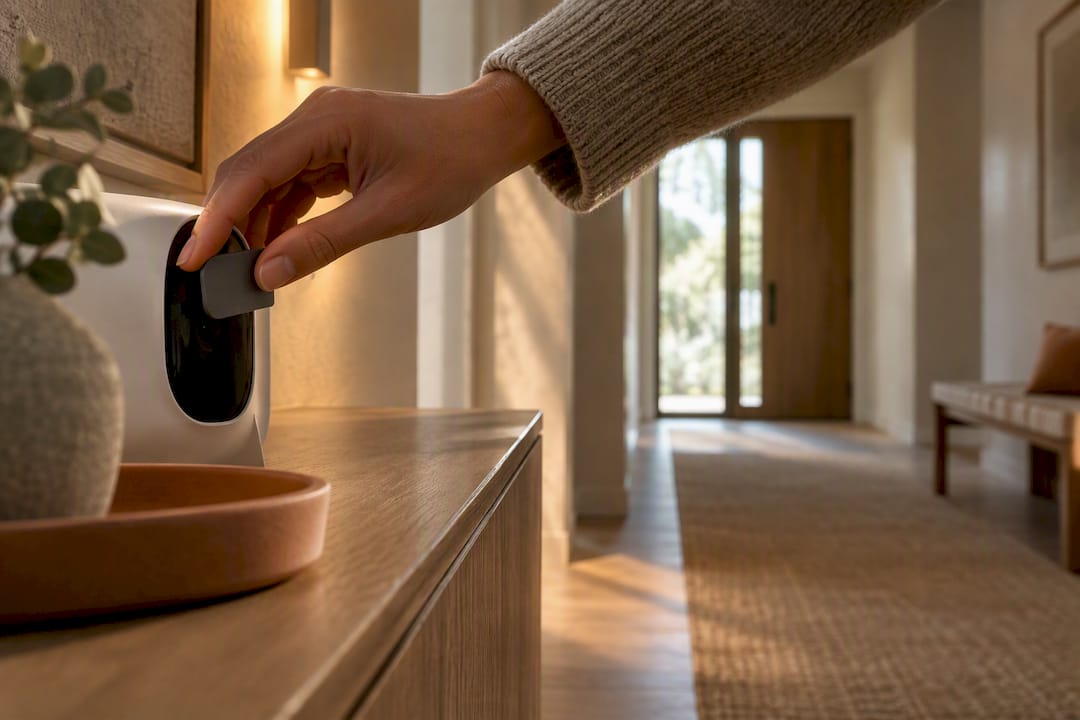
A smart plug is useful when it gives an ordinary device one missing ability: a schedule, remote control, voice control or energy measurement. It is less useful when it merely moves an on/off button from the wall to an app.
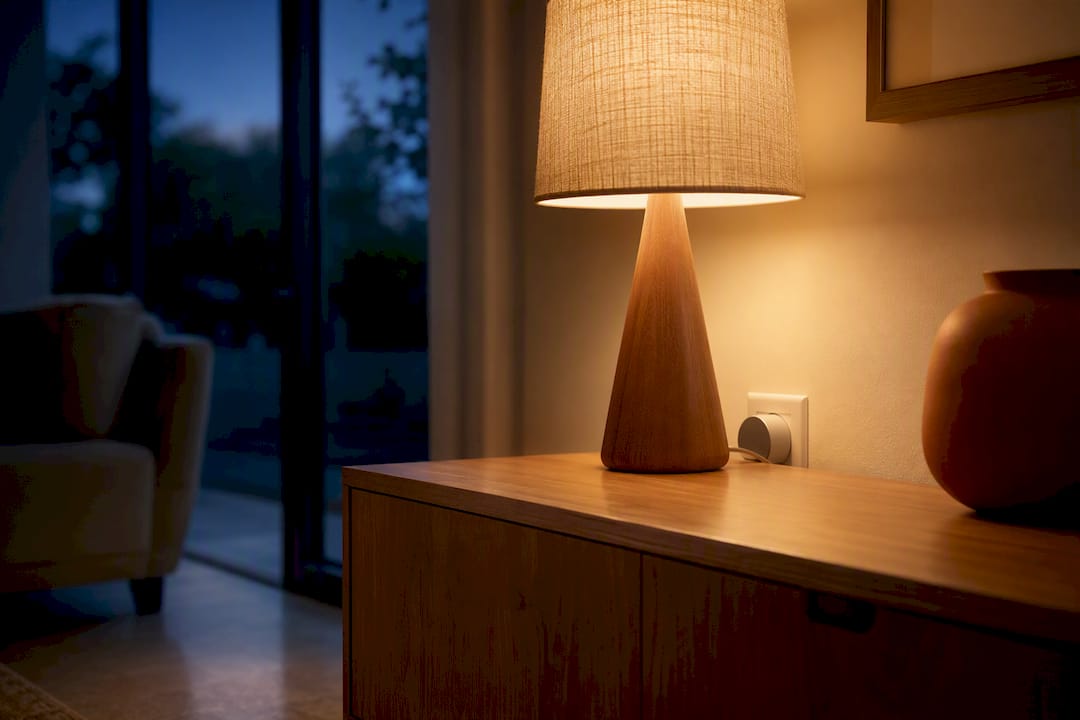
The safest place to begin is also the most convincing: one lamp that you already use every evening. It draws modest power, has a clear reason to follow a schedule and still makes sense when the internet is down.
The short answer
Good smart-plug candidates are simple, nonessential devices with mechanical on/off controls:
- table and floor lamps;
- holiday and decorative lights;
- a basic fan, if its manufacturer permits switched-outlet use;
- a desk setup you intentionally shut down together; and
- a device you want to measure before deciding whether scheduling it will save meaningful energy.
Keep space heaters, electric blankets, heating pads, cooking appliances, refrigerators, medical equipment, sump pumps and other safety-critical or high-draw devices off a general-purpose smart plug unless both manufacturers explicitly approve the exact combination. A smart plug is a control—not a fire-prevention device.
1. Put an evening lamp on a schedule
This is the smart plug use most likely to survive after the novelty wears off. Choose a lamp with a simple physical switch, leave that switch on, then let the plug turn the lamp on shortly before sunset and off at bedtime.
The result should still behave like a room, not a demonstration. One scheduled lamp can establish an evening mood; every light does not need to switch on at once. If you want dimming or several light levels, a smart bulb or plug-in dimmer is a better fit than a basic on/off plug.
Before relying on a schedule, disconnect the internet for a few minutes and confirm that the plug still runs saved schedules locally. This behavior varies by model.
2. Control seasonal lights without reaching behind furniture
Window lights, a tree and other low-power decorative lighting are natural candidates because their switches often end up in awkward places. A sunrise/sunset schedule is more adaptable than a fixed clock time as the season changes.
Check whether the lights use a simple physical switch. If they have an electronic button or controller that resets when power is removed, the smart plug may restore power without turning the lights back on.
For outdoor decorations, use a plug specifically listed for outdoor use and follow its instructions for outlet covers, orientation and weather exposure. An indoor smart plug does not become weather-resistant because it sits under an eave.
3. Make one ordinary lamp part of a room scene
A smart plug can bring a favorite non-smart lamp into a broader evening scene. That is often more attractive—and less wasteful—than replacing a good lamp simply to gain app control.
This works best when the automation respects familiar controls. Guests should still understand the room. If someone is likely to turn the lamp off at its own switch, consider a small label, a wireless button or a different control strategy. The goal of a smart home that does not look smart is not to eliminate switches; it is to make the technology recede.
4. Shut down a nonessential desk setup
A plug or smart power strip can disconnect a monitor, speakers and other nonessential accessories after work. Do not include a computer, network drive or anything that needs a proper shutdown sequence.
This is primarily a convenience decision. The U.S. Department of Energy notes that some products consume power while they appear off, but the only honest way to estimate your savings is to measure the actual setup. A smart plug that reports watts can do that job.
Use this calculation:
standby watts × hours off per day × 365 ÷ 1,000 = annual kilowatt-hours
For example, eliminating two watts for sixteen hours a day saves about 11.7 kWh per year. Multiply that by the per-kWh rate on your bill. If the result is tiny, keep the automation only if the convenience is worth it.
5. Measure before automating
Energy monitoring is often more valuable than remote switching. It can answer questions that marketing copy cannot:
- Does the media console draw meaningful power while idle?
- Does a fan use less electricity on its lower settings?
- Did a device actually stop drawing power when it finished charging?
- Is an older appliance behaving differently than expected?
A consumer smart plug is not laboratory equipment, and readings at very low power may be approximate. Use it to compare patterns, not to certify an appliance or diagnose household wiring.
6. Make the house look occupied—modestly
A lamp schedule can make an empty home look less static. Use a believable evening window rather than switching every lamp at the same minute. Some plugs can vary the timing from day to day.
Treat this as one small layer of a security plan, not proof against burglary. Locks, exterior lighting, alarms and sensible habits do more important work.
What not to connect
Portable heaters and other heat-producing appliances
Do not use a smart plug to start a space heater remotely or keep one running unattended. The National Fire Protection Association says portable heaters should be turned off when you leave the room or go to bed and plugged directly into a wall outlet. Heater manufacturers can be stricter: Vornado explicitly says not to use its heaters with timers or smart outlets.
The rating printed on a smart plug is not blanket permission. Heat-producing appliances can run near a plug’s limit for long periods, and manufacturer instructions for the appliance always matter.
Refrigerators, freezers and critical equipment
A failed automation, accidental tap or firmware problem should not be able to spoil food, stop medical equipment or disable a sump pump. Leave essential equipment on its intended supply unless the equipment manufacturer specifies a compatible control system.
Motor loads and anything with high startup current
Motors and compressors can draw a brief startup current greater than their normal running figure. TP-Link warns that inrush current can damage a smart plug even when a device’s stated operating power appears to fit. Check the smart-plug manual for supported load types, not only its headline amperage.
Devices that do not resume after power returns
Test the appliance at its own switch: turn it on, unplug it, wait, then reconnect it. If it stays off or loses important settings, a smart plug will not create useful automation.
A practical buying checklist
Before buying, check all of the following:
- Independent safety listing. Look for the certification mark specified for your market, such as UL or ETL in the United States.
- Supported load type. Read the manual for limits on lamps, motors, transformers and other loads.
- Local controls. The physical button should remain usable, and saved schedules should ideally survive an internet outage.
- Energy monitoring. Pay for it only if you have a question you genuinely want to measure.
- Physical size. Confirm that the plug does not block the second receptacle or crowd nearby furniture.
- Ecosystem support. Matter may make cross-platform setup easier, but confirm that the exact features you want work in your preferred app.
- Update policy. Choose a manufacturer with accessible support documents and a visible firmware process.
Start with one outlet
Put one evening lamp on a smart plug and live with it for a week. If the schedule saves a daily reach behind the sofa and the manual control still makes sense, the plug has earned its place.
That is the useful standard for connected-home products: not how many automations they can perform, but whether one small part of the room becomes quieter and easier to use.