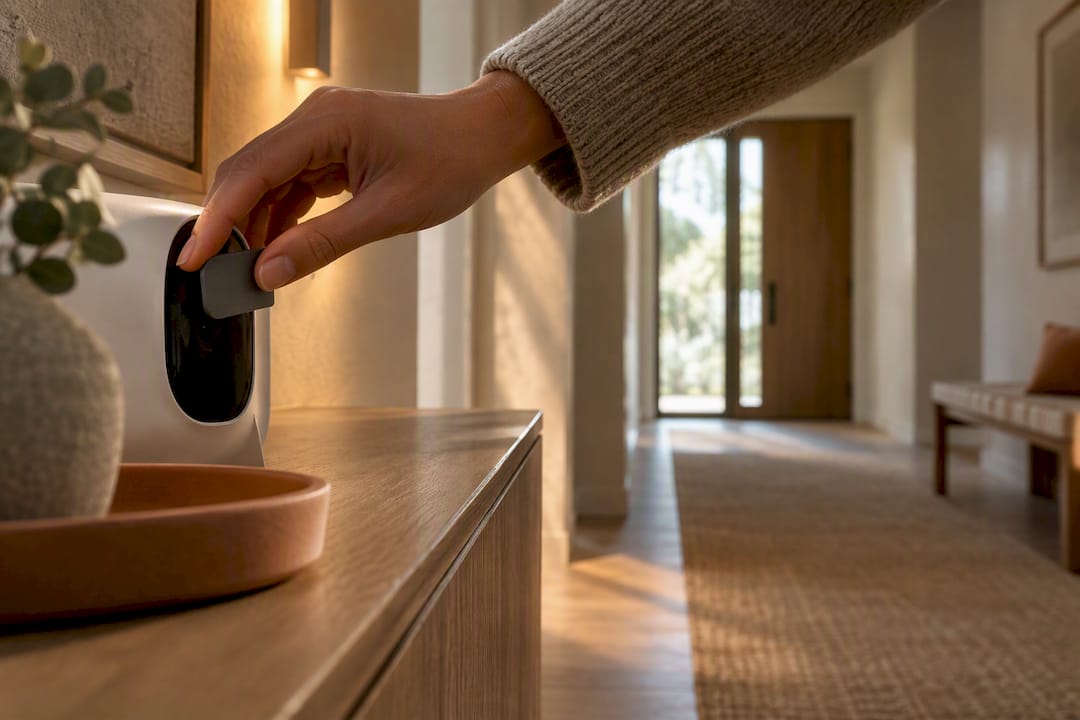
The three moves that matter most: cut your reliance on cloud services, put smart devices on their own isolated network, and lock every account with a unique password plus multifactor authentication. Right now, in a short time, you can mute your smart speaker's microphone, change your router's default password, and turn on the guest network. That's the foundation everything else builds on.
TL;DR:
- Keeping data within your local network significantly reduces perceived privacy risks, as it prevents most data from leaving your home.
- Devices like smart speakers and cameras routinely send sensitive voice and video data to external servers by default, increasing potential exposure.
- Isolating IoT devices on a separate network, using local hubs, and blocking telemetry domains through DNS are effective ways to limit data sharing and tracking.
- Prioritize devices with on-device processing, physical mute switches, and documented local APIs to enhance privacy and minimize cloud dependence.
- Regularly review device permissions, firmware updates, and cloud account data to maintain ongoing control over your smart home’s data.
Table of Contents
- What Are the Biggest Smart Home Privacy Risks?
- How Do You Protect Speakers, Cameras, TVs, and Sensors?
- How Do You Set Up a Network That Keeps Data Local?
- What Should You Check Before You Buy a Smart Device?
- How Do You Monitor What Your Smart Home Is Actually Doing?
- Author Perspective: Balancing Design and Privacy
- What Does Consent Actually Look Like in a Smart Home?
- Do Privacy Laws Like GDPR and CCPA Cover Your Smart Home?
- Editorial Take: Privacy Doesn't Have to Look Like a Server Room
- Where to Get Help Designing a Privacy-Smart Home
- Sources
- FAQ
What Are the Biggest Smart Home Privacy Risks?
Not all data your devices collect is equally sensitive, and understanding the hierarchy helps you decide where to spend your effort. Audio and video are the highest-stakes categories, since a compromised camera or an always-listening speaker exposes what happens inside your actual rooms. Presence and location data (when you're home, which rooms you use, when you leave for work) reveals patterns that matter to burglars and advertisers alike. Usage telemetry, the quieter stuff like app-open timestamps or firmware pings, feels harmless until you realize it's often bundled and sold.
Here's the part most homeowners miss: risk doesn't rise gradually as data leaves your home. It jumps. A study of 412 survey participants and 40 interviews found that perceived privacy risk spikes sharply the moment data crosses from local processing into public transmission or third-party sharing. Keeping data on your own network isn't just marginally safer. It sits on the other side of a real psychological and practical boundary.
Common devices cross that boundary more often than people assume:
- Smart speakers routinely send voice clips to the manufacturer's servers for processing and, in some cases, human review.
- Cameras with cloud storage upload continuous or motion-triggered footage to third-party data centers by default.
- Smart TVs track viewing habits through automatic content recognition, often sharing that data with advertising partners.
Reporting on the hidden costs of connected living documents just how broad this telemetry collection has become across ordinary household devices.
How Do You Protect Speakers, Cameras, TVs, and Sensors?
Every device category has its own weak points, so the fix has to be specific rather than generic. Treat this as a room-by-room checklist, not a one-time setting change.
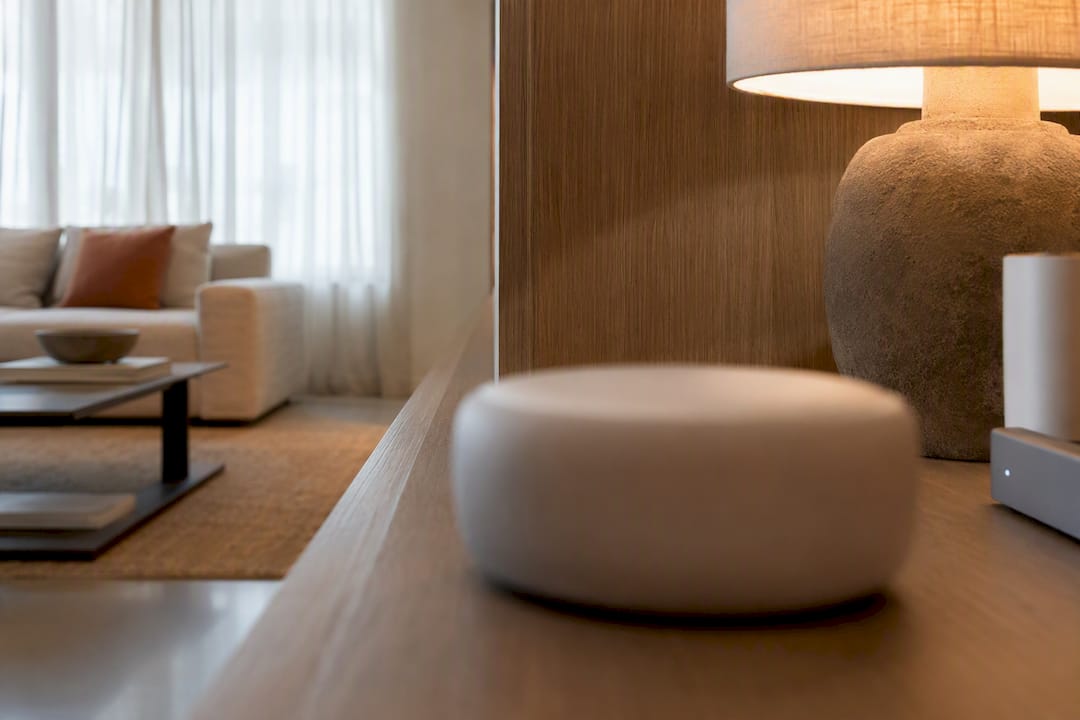
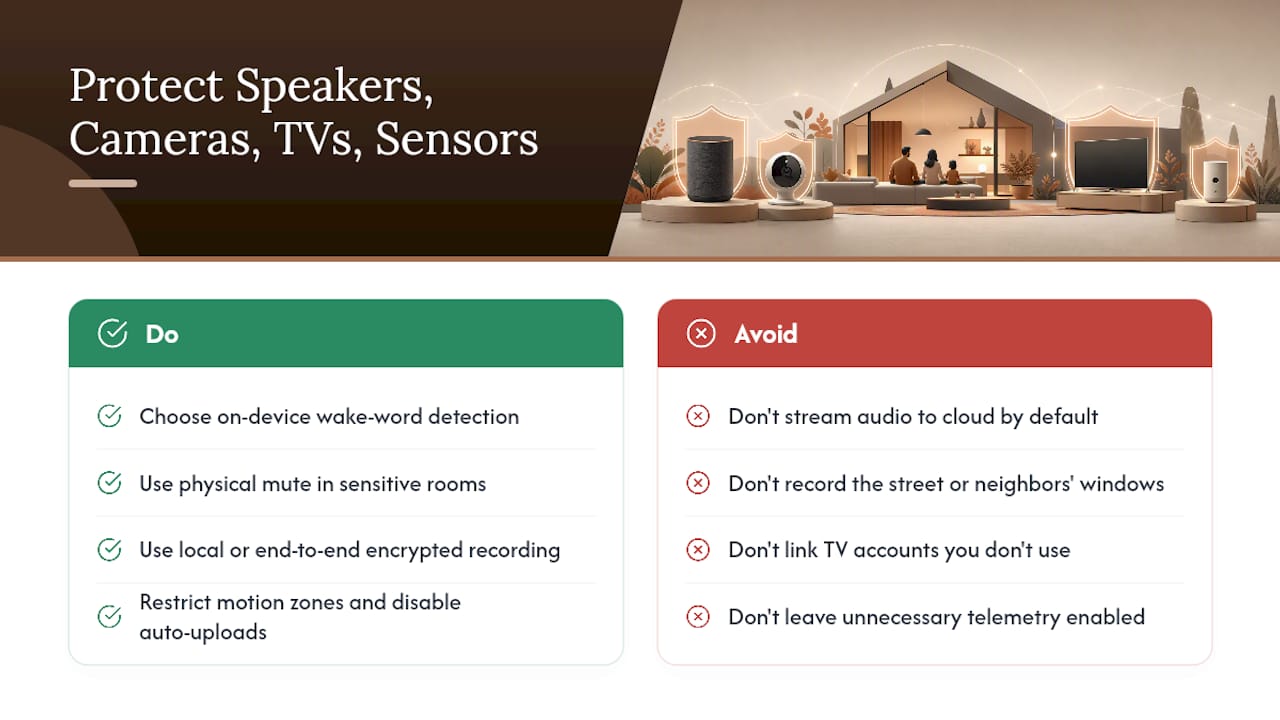
Smart speakers: Choose models that handle wake-word detection on-device rather than streaming everything to the cloud by default. Use the physical mute button in bedrooms, home offices, or anywhere sensitive conversations happen. Check your account settings for voice-recording retention windows and opt out of human review programs where they exist.
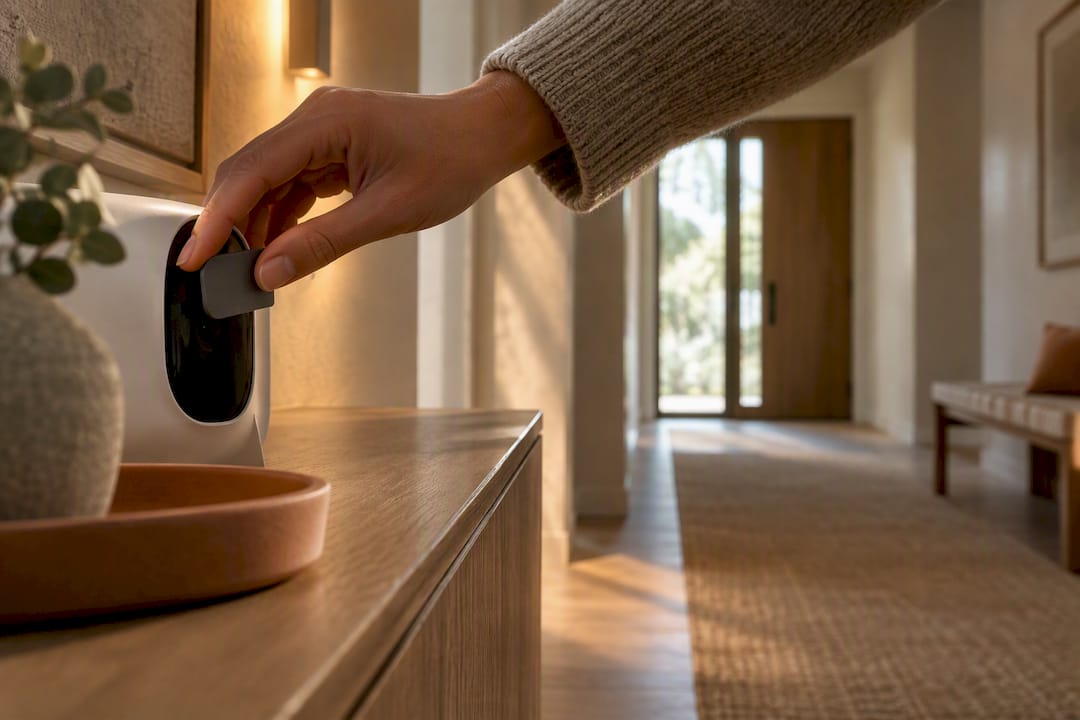
Cameras: Local recording to a network drive, or at minimum end-to-end encrypted cloud storage, beats an unencrypted cloud feed every time. Restrict motion zones so the camera isn't recording the street, a neighbor's window, or a shared hallway. Disable automatic cloud uploads for cameras that only need to alert you locally.
Smart TVs: Skip linking accounts you don't actively use, since every linked service is another data pipeline. Limit installed apps to the ones you actually open. After a firmware update, a brief disconnect from Wi-Fi gives you a chance to check what changed before the TV phones home again.
Sensors and appliances: Zigbee and Z-Wave devices, or anything with a documented local API, keep data off the internet entirely in most setups. Dig into each device's settings and turn off telemetry reporting you don't need, especially on devices that have no reason to talk to anyone but your hub.
Pro Tip: Buy one smart speaker and test its mute button before you buy a second one for another room. If the mute light doesn't actually stop audio processing, a $30 lesson beats a $150 one.
How Do You Set Up a Network That Keeps Data Local?
Architecture beats individual settings, because a well-segmented network limits the damage any single device can do. Here's the practical build order:
- Create a separate network for IoT devices. A guest SSID or a dedicated VLAN keeps smart plugs, cameras, and sensors off the same network as your laptop and phone, so a compromised bulb can't see your files.
- Run a local-first hub. Platforms like Home Assistant coordinate devices without routing every command through a manufacturer's server. The Electronic Frontier Foundation recommends exactly this: local coordination paired with mesh protocols like Zigbee and Z-Wave to cut cloud dependence.
- Block unwanted traffic at the DNS level. A Pi-hole or similar private DNS setup lets you denylist known tracking and telemetry domains before they ever leave your router.
- Use a VPN for remote access, not port forwarding. Opening ports directly to the internet is how a single vulnerable device becomes an entry point for your whole network. Home Assistant's own security guidance pushes strong unique passwords, MFA, and secure remote access over direct exposure.
| Approach | What it protects against | Trade-off |
|---|---|---|
| VLAN/guest network segmentation | Lateral movement between devices | Requires router that supports VLANs |
| Local-first hub (Home Assistant) | Cloud data collection, vendor outages | Ongoing maintenance, learning curve |
| Pi-hole/private DNS | Background telemetry and tracking calls | Occasional false positives block features |
| VPN for remote access | Exposed ports, brute-force attacks | Slightly more setup than direct forwarding |
If you're building DIY sensors on ESPHome, know that its security model assumes a trusted home network. Set unique API encryption keys per device, enable OTA password protection, and remember that anyone with physical access to an ESPHome device can potentially extract its Wi-Fi credentials. Network segmentation isn't optional here. It's the actual security layer.
What Should You Check Before You Buy a Smart Device?
The best privacy decision happens before the device is even in your cart. Ask three questions at the shelf or the checkout page: Does this actually need internet access to do its job? Is there a documented local API? Does it have a hardware mute or physical disconnect switch? Consumer-facing reporting consistently points back to this same starting question: don't buy connectivity you don't need.
Once you've decided to buy, prioritize these specs:
- On-device processing for anything with a microphone or camera
- A physical mute switch, not just a software toggle
- A published, specific privacy policy (vague language is a red flag)
- Short data retention windows with an easy deletion path
At setup, do this every time: create a unique account for the device rather than reusing an existing login, turn on MFA immediately, and place cameras and speakers with intention rather than defaults. A speaker in the kitchen for timers is a different privacy decision than one in the bedroom. Limit which family members' devices have admin access to your smart home hub.
How Do You Monitor What Your Smart Home Is Actually Doing?
Setup is not a one-time job. Devices update, add features, and sometimes quietly expand what they collect, so a recurring check matters as much as the initial lockdown.
- Review your router's connected client list monthly and flag anything unfamiliar.
- Check your Pi-hole or DNS logs for blocked requests hitting unfamiliar external domains.
- Look specifically for devices phoning home to endpoints that have nothing to do with their stated function.
- Update firmware on a schedule rather than waiting for a nag screen.
- Log into cloud accounts tied to speakers and cameras periodically to review and delete stored recordings.
Power users often stack these habits together, combining device isolation with DNS-level blocking and network segmentation, and research on privacy-conscious smart home users suggests most of these techniques are within reach of a determined homeowner, not just IT professionals.
Author Perspective: Balancing Design and Privacy
Good lighting solves problems that people otherwise try to fix with sensors. A hallway that's dim enough to need a motion-activated camera for reassurance is often a lighting problem in disguise. Layer in warm ambient light and you reduce the perceived need for surveillance gear in the first place.
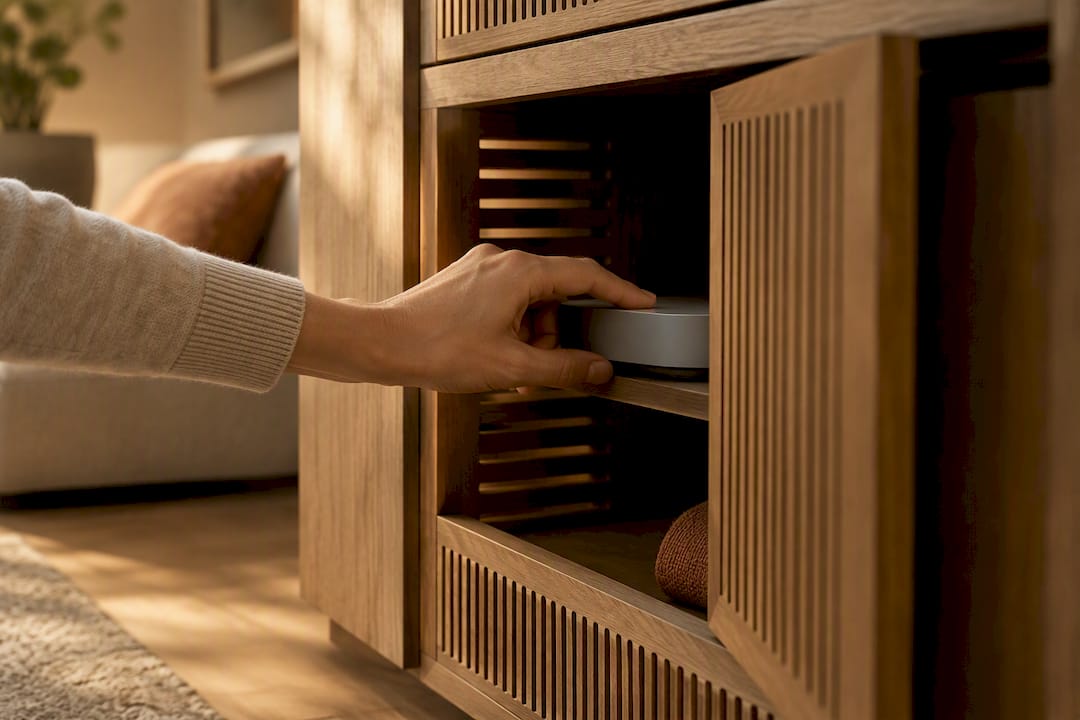
Devices can hide in plain sight without losing their off switch. A camera tucked into a bookshelf niche or a hub mounted inside a cabinet with ventilation still needs to stay reachable for firmware updates and physical mute controls. Design and access aren't opposites. For more on this balance, see our guide on building a smart home that doesn't look smart.
What Does Consent Actually Look Like in a Smart Home?
Most privacy policies get accepted with a single tap during setup, and that tap often authorizes far more data sharing than the device's core function requires. Consent in a smart home context isn't one decision. It's a stack of them: the initial account creation, the app permissions you grant on your phone, the voice-assistant integrations you turn on later, and the third-party skills or routines you add over time.
The honest problem is that most consent flows are designed to be skimmed, not read. A camera's setup wizard rarely explains that motion clips get analyzed by a third-party AI vendor for "smart alerts," but that detail usually lives in the privacy policy's fine print. Your best defense is to treat every new integration as its own consent decision rather than assuming your original acceptance covers everything downstream.
Practical habits help here. Revisit app permissions every few months, since phone operating systems now flag which apps have background microphone or location access. Turn off data-sharing toggles for "product improvement" or "personalized ads" wherever devices offer them separately from core functionality; those are almost always opt-in extras, not requirements. And read the actual retention section of a privacy policy before agreeing to anything for a camera or speaker, since that's where you'll find whether your data gets deleted in 30 days or kept indefinitely.
Do Privacy Laws Like GDPR and CCPA Cover Your Smart Home?
Privacy regulation gives smart home data real legal weight, even though most homeowners never read the statute directly. The California Consumer Privacy Act gives California residents the right to know what personal data a company collects, request its deletion, and opt out of its sale, and that applies to the data your smart speaker or camera manufacturer collects about you, not just data from websites you visit. Europe's General Data Protection Regulation goes further for EU residents, requiring companies to justify why they collect data at all and giving people the right to access, correct, or erase it.
Here's the catch for smart home shoppers: these laws regulate the company, not the device category, and enforcement depends heavily on where you live and where the company operates. A smart camera manufacturer based in a state with no comprehensive privacy law faces different obligations than one selling into California. That inconsistency is exactly why device-level and network-level protections matter regardless of what the law requires. Segmenting your network and minimizing cloud dependence protects you whether or not a regulator is watching, and it works the same way no matter which state or country you're in.
Practically, use the rights you do have. Most major smart home brands now offer a data-request or deletion portal buried in account settings, precisely because regulations like CCPA require it. Use it at least once a year.
Editorial Take: Privacy Doesn't Have to Look Like a Server Room
The conventional advice treats smart home privacy like an IT project: harden everything, distrust every device, wrap your network in as many layers as possible. That advice isn't wrong, but it misses something the research actually supports: the boundary effect matters more than the sheer volume of tactics you deploy. One device quietly streaming audio to a third party does more privacy damage than five devices sitting isolated on a well-segmented local network.
What's overrated is buying an entirely new ecosystem of "privacy-focused" gadgets. What's underrated is placement and restraint: not putting a camera where it doesn't need to be, not linking accounts you don't use, not accepting cloud defaults you never questioned. If you fix the boundary problem first (get data off the internet whenever you reasonably can) the rest of the hardening becomes cleanup, not crisis management. Start with the room you're in right now. What's listening, and does it need to be?
Where to Get Help Designing a Privacy-Smart Home
This site offers insight into how to make these protections disappear into your home's design instead of announcing themselves. You don't need visible sensors, exposed hubs, or a utilitarian look to run a locked-down smart home.
Our connected home guides walk through curated, privacy-conscious product picks alongside placement advice that keeps devices functional without turning your living room into a control panel. If lighting is part of your plan (and it usually solves more privacy problems than people expect) our lighting resources cover the fixtures and layouts that reduce the temptation to over-sensor a space in the first place. Start with one room: pick your entryway or living room, read the connected home guide, and make your first change this week.
Sources
- Privacy across the boundary: Examining Perceived Privacy Risk Across Data Transmission and Sharing Ranges of Smart Home Personal Assistants
- Keeping Your Smart Home Secure & Private
- Securing — Home Assistant
- Security Best Practices - ESPHome
- The Hidden Costs of “Smart” Living: How IoT Devices Threaten Privacy
FAQ
Are smart speakers always listening?
Smart speakers listen for a wake word locally on the device, but audio typically isn't sent to the manufacturer's servers until that wake word triggers. The privacy concern is what happens after: retention periods, human review programs, and third-party sharing vary widely by brand, so checking your account settings matters more than the listening mechanism itself.
What are the biggest privacy risks with smart homes?
The biggest risks come from audio, video, and presence data leaving your home network and reaching third parties. Perceived and actual risk rises sharply once data crosses that transmission and sharing boundary, which is why local-first setups reduce risk more than piecemeal device settings.
Which smart home devices offer the best privacy?
Devices with on-device processing, a physical mute or disconnect switch, and a documented local API tend to offer the strongest privacy, since they don't need constant cloud connectivity to function. Zigbee and Z-Wave sensors paired with a local hub like Home Assistant generally beat cloud-dependent alternatives on this measure.
How do I stop my smart home devices from sharing my data?
Segment your devices onto their own network, block known telemetry domains with a tool like Pi-hole, and disable optional data-sharing toggles for "product improvement" or advertising inside each device's app. Reviewing router client lists and DNS logs periodically helps you catch endpoints you didn't authorize.
Do I need a separate network for smart home devices?
A separate network, whether a VLAN or a simple guest SSID, is one of the highest-impact steps you can take, since it limits how far a compromised device can reach into your other devices and files. Most modern routers support at least a basic guest network option even without full VLAN configuration.