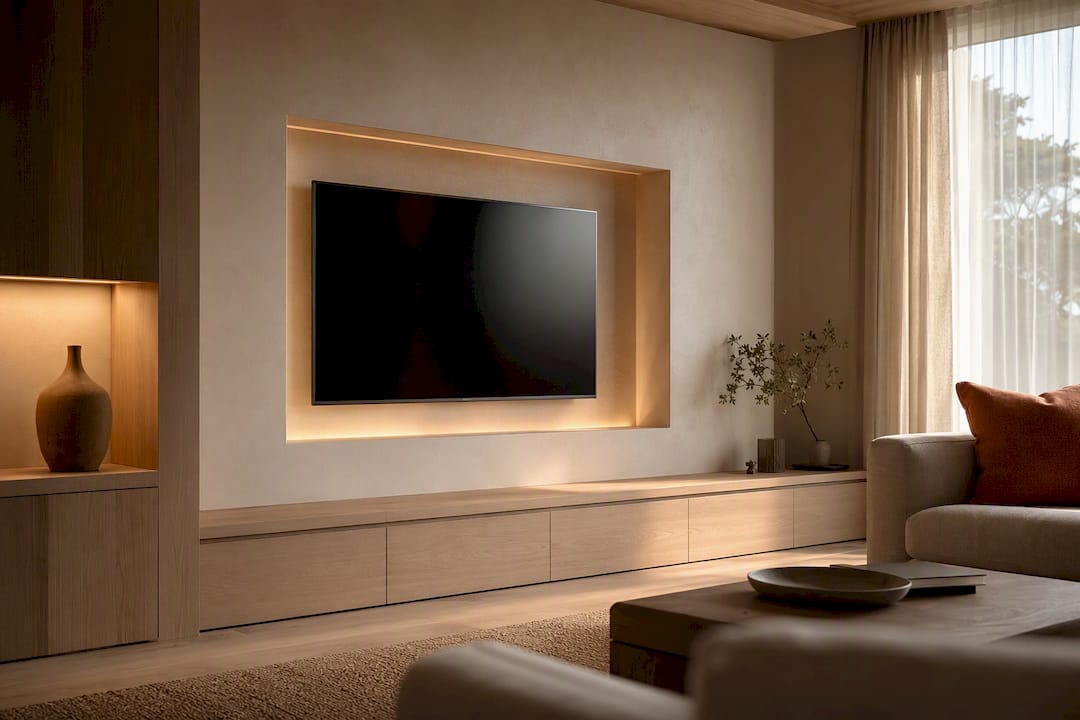
A television can look awkward even in a carefully furnished room. It might float too far above the console, overhang a narrow cabinet, or sit beside a dangling cable that catches your eye every time you walk in. Adding more objects around it can make the wall busier without fixing any of those problems.
Start with the screen’s position and the furniture underneath it. Once those work together, choose a backdrop and a small amount of decoration that suit the rest of the room. You can keep your existing television for most of these changes.
Find what looks wrong before buying anything
Look at the wall from the doorway, then sit in your usual seat. The doorway view helps you judge the furniture as a group. The seated view tells you whether the screen is comfortable and whether a lamp or window appears in it.
Take a photograph with the TV off. Remove the small ornaments from the console and take another. Comparing the two makes it easier to tell whether you need more decoration or simply less clutter.
| What bothers you | First change to try |
|---|---|
| The screen seems stranded high on the wall | Check seated eye level and mock up a lower position |
| The TV looks too large for its cabinet | Compare the actual screen width with the console width |
| The blank screen feels harsh against the wall | Test a mid-tone paint sample beside it |
| The whole wall feels crowded | Remove small objects before adding art or shelves |
| Wires interrupt an otherwise tidy setup | Plan a single suitable cable route |
| The screen reflects a window or bright bulb | Adjust the light source or TV position |
Before moving the television, mark its proposed outline with low-tack painter’s tape on a finish that can tolerate it. Use the TV’s actual width and height from its specification sheet, not its advertised diagonal size. Include the console and soundbar in the mockup. Leave it up long enough to see the arrangement in daylight and with your evening lights on.
Set the height from your seat
A TV hung like a painting can be uncomfortable to watch. Sit naturally on the sofa, with the cushions and posture you normally use, and have someone measure your eye height from the floor. Use a screen center near that level as your starting point, then check it from the other regular seats.
SANUS’s HeightFinder uses seated eye level as its placement guide and gives 42 inches as an average. Your sofa and your height matter more than that average. A low lounge seat and a tall upright chair should not inherit the same measurement by default.
For a wall-mounted TV, you can work out a provisional bottom-edge height by subtracting half the TV’s actual height from your chosen center height. For example:
- A proposed screen center is 42 inches above the floor.
- The TV case is 32 inches tall, so half its height is 16 inches.
- Its bottom edge would sit at 26 inches, leaving 4 inches above a 22-inch console.
Those are illustrative measurements. That 4-inch gap must accommodate any soundbar and its required clearance; it is not automatically enough. The Sonos Arc guide, for instance, specifies a minimum 4-inch gap between the bar’s top and the TV when the bar sits below it. Another model may have different requirements.
If the pieces do not fit, try a lower console or a different equipment arrangement before raising the screen. The wall bracket’s drilling position also depends on where the mounting holes sit on the TV. Use the mount’s template and instructions, not the screen-center measurement alone.
For a TV on its supplied stand, include the stand in the total height. Check that the feet fit fully on the furniture and that the surface supports the load. A wall mount is optional; a low, suitable TV stand can look equally considered.
Be cautious about the fireplace wall
The fireplace may be the room’s architectural center, but it can put a television too high and expose it to heat. Samsung advises against mounting its TVs over a fireplace, citing heat and viewing height among the concerns. Follow your own TV and fireplace instructions before considering that location.
Mock up the screen on an adjacent wall as well. A console beside the fireplace can give each feature its own space. If the room leaves no good alternative, get installation advice for the actual equipment and wall; a tilting bracket does not resolve heat exposure.
Choose a console that belongs under the screen
As a styling starting point, choose a console that extends beyond the TV on both sides. The extra width gives the screen a base and leaves some usable surface beside it. There is no mandatory ratio: judge the full arrangement against the wall and nearby furniture.
For example, a TV case measuring 57 inches wide above a 72-inch console leaves 7.5 inches on each side when centered. That is a useful proportion to try with tape, not a shopping rule. A larger console might crowd a doorway, while the current cabinet may already look right once you remove an oversized lamp.
Check depth as well as width. TV feet, plugs and a soundbar all need space. Read the furniture’s load rating and the television’s stand dimensions before buying. A decorative sideboard is not automatically suitable for supporting a TV.
The CPSC’s Anchor It guidance recommends furniture designed to hold televisions and securing TVs and furniture according to their instructions. A screen sitting on a cabinet still needs protection against tipping. Keep tempting objects such as toys or remotes off the top where children might climb to reach them.
Closed storage is useful for spare cables and controllers. Equipment that produces heat needs the ventilation specified in its manual, and a remote-controlled box must still receive commands with the door closed. Test that before hiding it away. Keep speakers exposed; our guide to better living-room sound explains how furniture can obstruct their output.
Center the screen over the console first. You do not have to center this pair on the entire wall if the seating area occupies only part of it. Check the sightline from the sofa and the space around doors. An offset arrangement can work when the furniture placement explains it.
Give the blank screen a quieter backdrop
On a pale wall, the dark outline of an unused television can be conspicuous. A mid-tone or dark backdrop is worth testing if that contrast bothers you. Warm gray, muted olive or a brown with some depth can belong to the room’s existing palette without requiring a black feature wall.
Paint a large sample board and place it beside the TV. Compare it with the screen off, with a program playing, and under your usual lamps. Choose a matte finish if you prefer a less reflective wall surface. Check the sample from the doorway too: a color that works beside the television may feel too heavy across a whole wall.
Carry an existing room color onto the TV wall if possible. A wood console can provide warmth on a darker backdrop; curtains or upholstery can give you a color to repeat. You do not need to add wood slats, shelving and a painted panel to make one wall feel finished.
Changing wall color is a styling choice. It does not remove a window reflected in the screen. If reflections are the problem, use our TV glare guide to identify and control the offending light source.
Add art without crowding the picture
Try one reasonably sized artwork beside the screen before committing to a gallery wall. Cut paper templates in the dimensions of the frames you already own and move them around the taped TV outline. Look for an arrangement you enjoy with the television both on and off.
The TV can stay at viewing height while nearby art occupies a different position. Avoid lifting the screen just to align its center with a painting. You can repeat a frame finish, a color or an edge alignment to connect the pieces without making them identical.
If you want several frames, leave a deliberate band of empty wall around the screen. Keep the gaps between the artworks reasonably consistent, then step back to check the group. Lots of small pieces squeezed around every edge can make the television even more obvious.
Leave the console’s middle clear for the screen and any soundbar. Put a low bowl or a short stack of books to one side, provided it does not block speakers, vents or controls. Place a tall lamp farther out if its shade intrudes into the picture. You should not have to move a vase every time you watch something.
Solve cables before finishing the wall
List everything connected to the television, including power, HDMI and any network or antenna cable. Decide where the external boxes will live, then trace the route from each device to its port. Check cable length and connector clearance before choosing a very shallow mount.
For a TV on furniture, route cables behind the stand into the console’s cable openings. Label each end and group the loose lengths with reusable ties. Leave enough slack for service access without pinching cords behind the cabinet.
For a wall-mounted screen, these are different kinds of concealment:
| Route | What to check |
|---|---|
| Surface cable cover | Suitable for the cords it will contain; runs to an existing outlet without crossing a doorway |
| Signal cables inside the wall | Cable rating for the installation, wall obstructions and a separate appropriate power solution |
| Listed in-wall power relocation kit | Installation instructions, wall compatibility and local requirements |
| New outlet behind the TV | An electrician’s assessment and installation |
Do not feed an ordinary TV power cord or extension lead through a wall cavity. The Electrical Safety Foundation warns against running extension cords through walls or substituting them for permanent wiring. A brush plate conceals an opening; it does not make a power cord suitable for the space behind it.
Purpose-made systems are different. For example, Legrand’s in-wall TV power kit is a listed assembly designed for that job. Check whether a kit is appropriate and permitted for your installation; ask an electrician if you are unsure or need a new receptacle. Signal cables need the correct rating for their route too.
In a rental, a suitable surface cover may be the simplest option, subject to the lease and installation instructions. Test adhesives on the wall finish and do not assume removal will be damage free. Painting a paintable cover to match the wall can make it less noticeable without cutting into the wall.
Keep the mount and lighting unobtrusive
Choose the bracket for the actual TV and wall. Check the weight limit, mounting-hole pattern and supported wall construction. A fixed mount suits a straight-on view; a tilting or full-motion mount adds adjustment. SANUS compares these mount types and their access and movement options.
The closest fit is only useful if you can connect the cables, reach the release mechanism and maintain the manufacturer’s ventilation clearances. Check a moving mount with its cables throughout the permitted travel before tidying them. If you cannot establish a safe fixing method, use a qualified installer.
Turn the screen off and sit down before placing lamps. Move any lamp whose bright shade or bulb appears in the reflection. A shaded light beside the seating area is worth trying; its success depends on the angle, not simply on how far it sits from the TV.
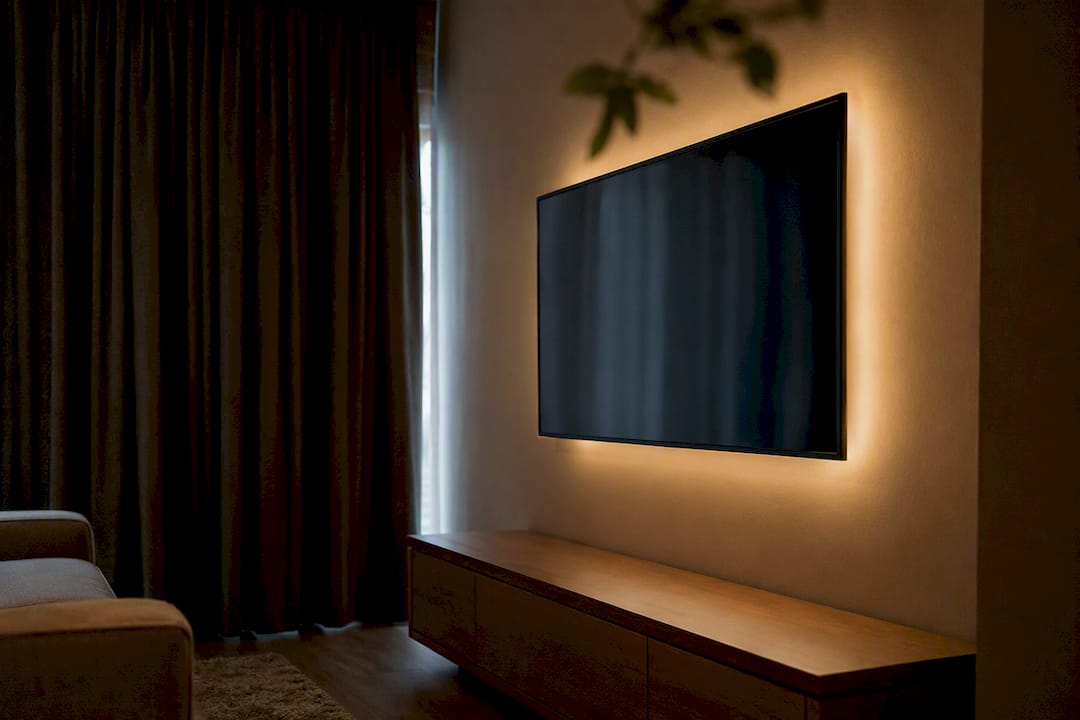
A dim light behind the screen is another option for evening viewing. Keep the light source hidden and the output adjustable so the wall does not become brighter than the picture. Compare it with a dark scene. You may prefer the room with a little background light, but you do not need a colored LED border to finish the wall.
Decide whether an art TV or built-in is worth it
An art-display TV is worth considering when what happens between viewing sessions matters enough to justify replacing the set. Samsung’s Frame documentation distinguishes its subscription Art Store from displaying your own photos. Check the exact model’s features, account requirements and any ongoing costs before buying.
For an existing television, correct the placement and cables first. Those changes also help an art TV; displaying a painting will not fix an awkward console or an uncomfortable viewing angle.
Built-ins and sliding covers need a fuller plan. Allow the ventilation clearances in the equipment manuals, access to ports and a way to remove the television without dismantling the room. Samsung’s safety guidance warns against confined enclosures and blocked ventilation openings. Check whether your equipment permits the cabinet design before commissioning it. Covers must be fully out of the way while the set is operating. Ask the cabinetmaker to show where equipment breathes and how you will replace it later. Do not fit a homemade frame over vents or sensors.
A sensible order for the work
- Photograph the existing wall and clear the console’s small decorations.
- Measure the TV case, furniture and seated eye height. Tape up the proposed arrangement, including the soundbar.
- Confirm furniture support, anti-tip measures and the mounting requirements. Follow the manuals for disconnecting and safely lifting equipment before moving it.
- Choose the cable route and check whether it needs an electrician or installer.
- Compare paint samples and paper artwork templates in daylight and evening light.
- Complete the installation, then return only the objects that fit without obstructing equipment. Watch from your regular seats and check for reflections.
Keep the mockup stage separate from drilling or ordering cabinetry. If lowering the screen and clearing the console already gives you a wall you like, you can stop there and spend nothing on extra decoration.